
Every calculator, offline
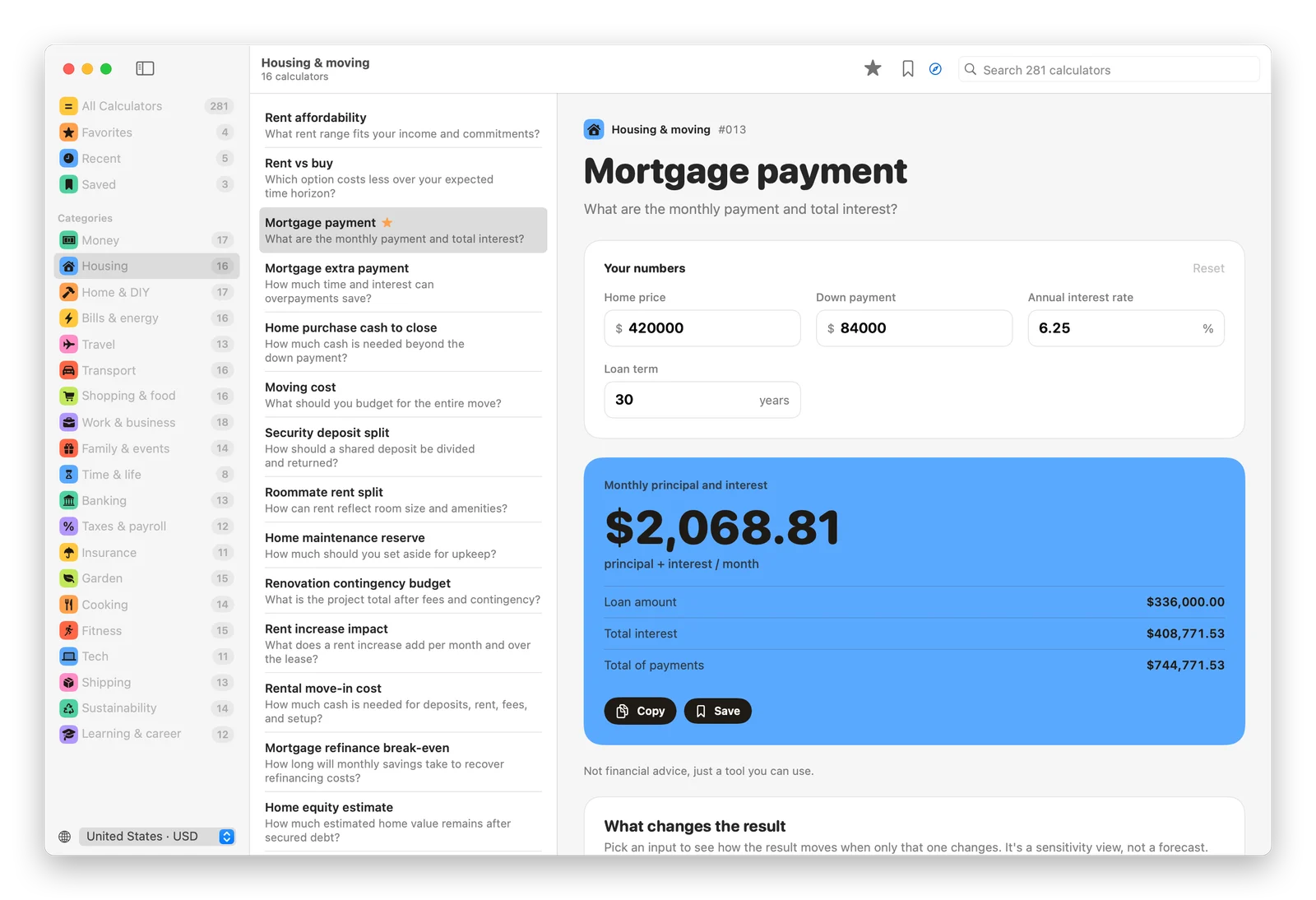
The same 281 calculators as this site, running on your Mac. Results update as you type, with the formula, the assumptions and a guide for each one.
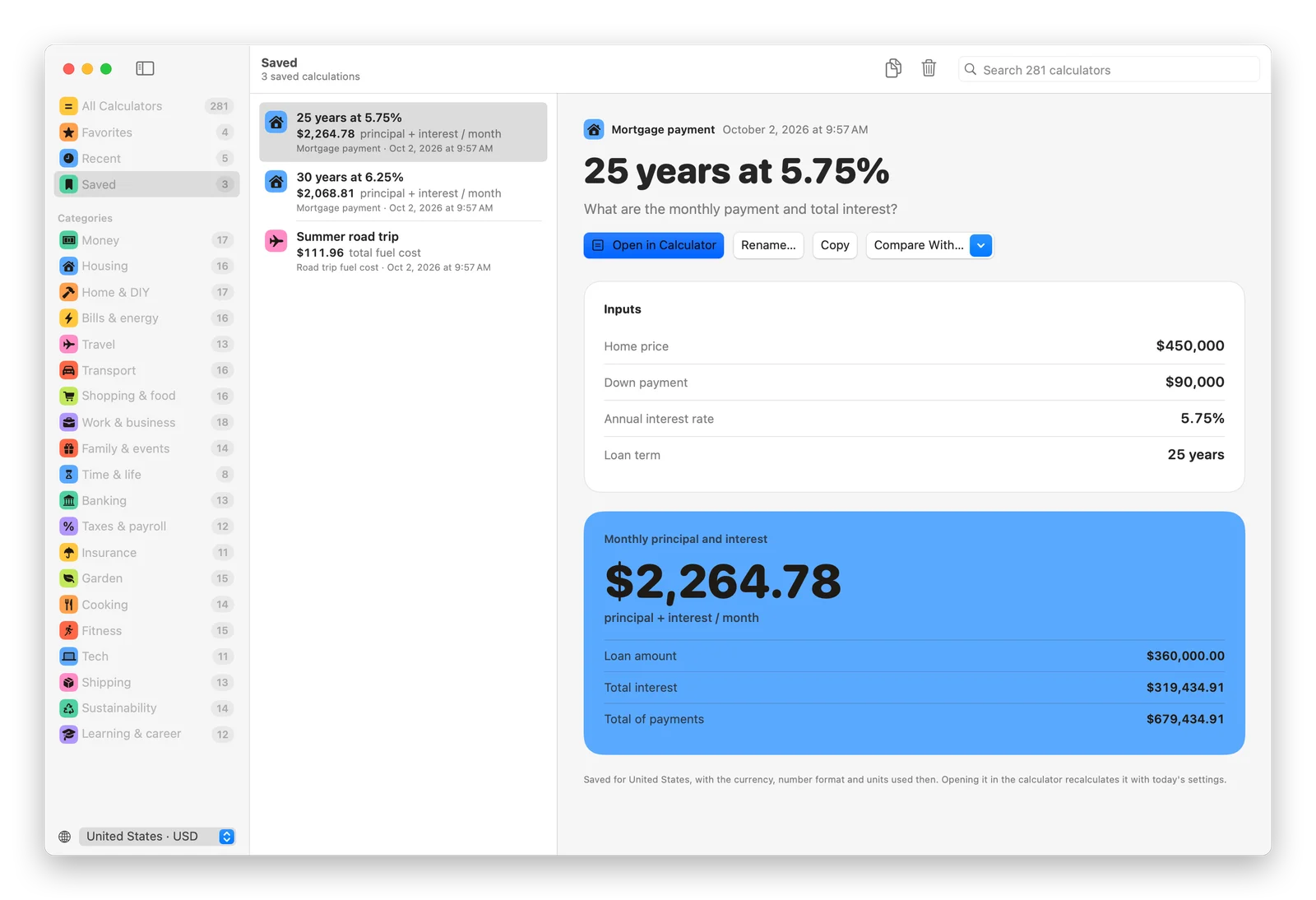
Save what you calculated
⌘S keeps your inputs and the result as a summary. Rename it, copy it, or open it in the calculator again later.
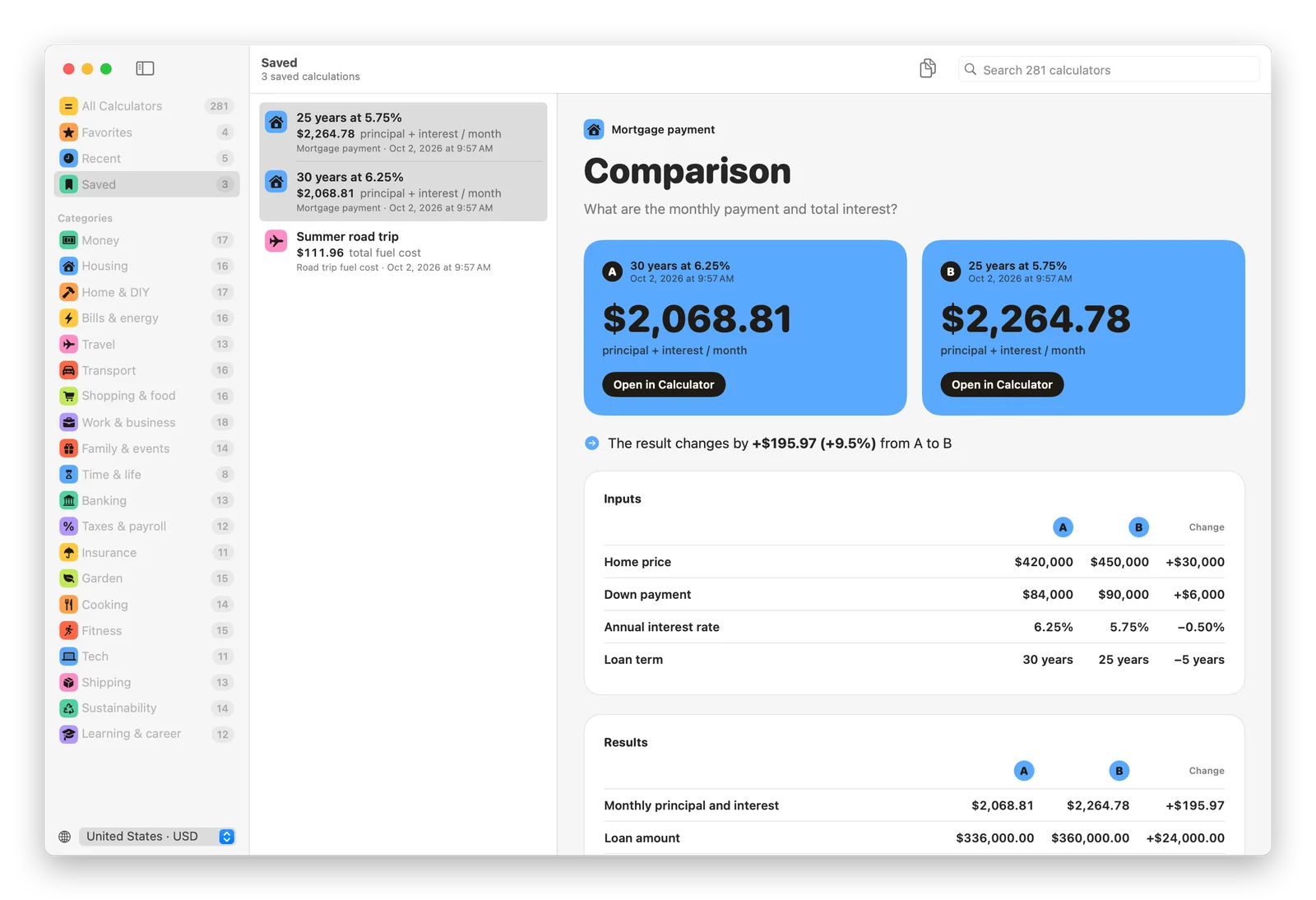
Compare two plans
⌘-click two saved calculations from the same calculator to see every input and every figure side by side, with what changed.
Your country, your units
21 countries, each with its currency, number format, and metric or US customary units. Favorites and recents keep the calculators you use close.
A command for Terminal
The app comes with a calculum command. Choose Calculum → Install Command Line Tool… once, then run any calculator from the shell:
calculum mortgage-payment price=450000 rate=5.5
calculum tip-and-bill-split bill=186 people=4 -q   # $58.90
calculum search paint
Inputs you leave out keep their example values. --json prints every figure for scripts, and calculum show <calculator> lists the inputs.
Opening it the first time
Unzip the download and drag Calculum to your Applications folder. The app isn't notarized by Apple, so the first time you open it macOS says it "could not verify Calculum is free of malware". Click Done, then open System Settings → Privacy & Security and click Open Anyway.
After that, Calculum updates itself. Your favorites and saved calculations stay on your Mac, with no account and no analytics. Read how and why I built it, or browse the code on GitHub.